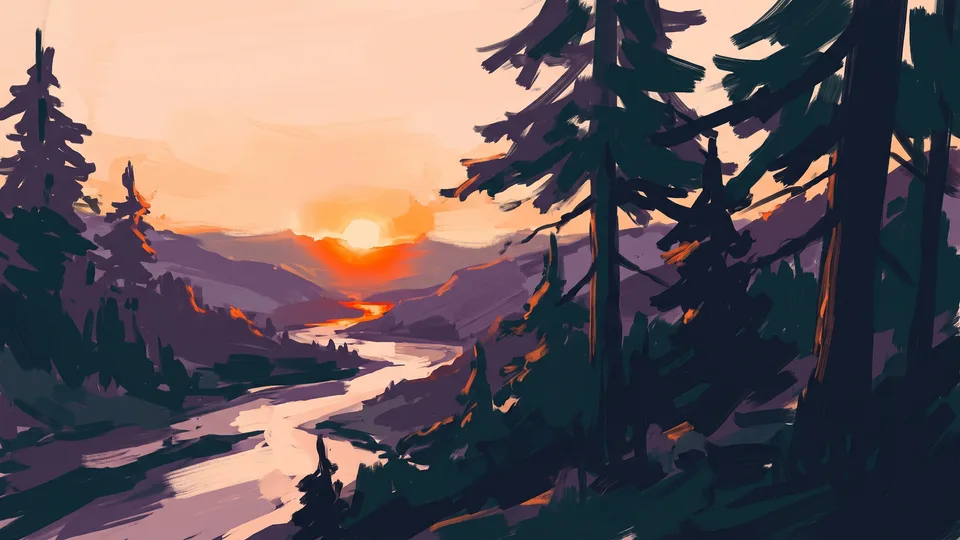
A board next to the viewport
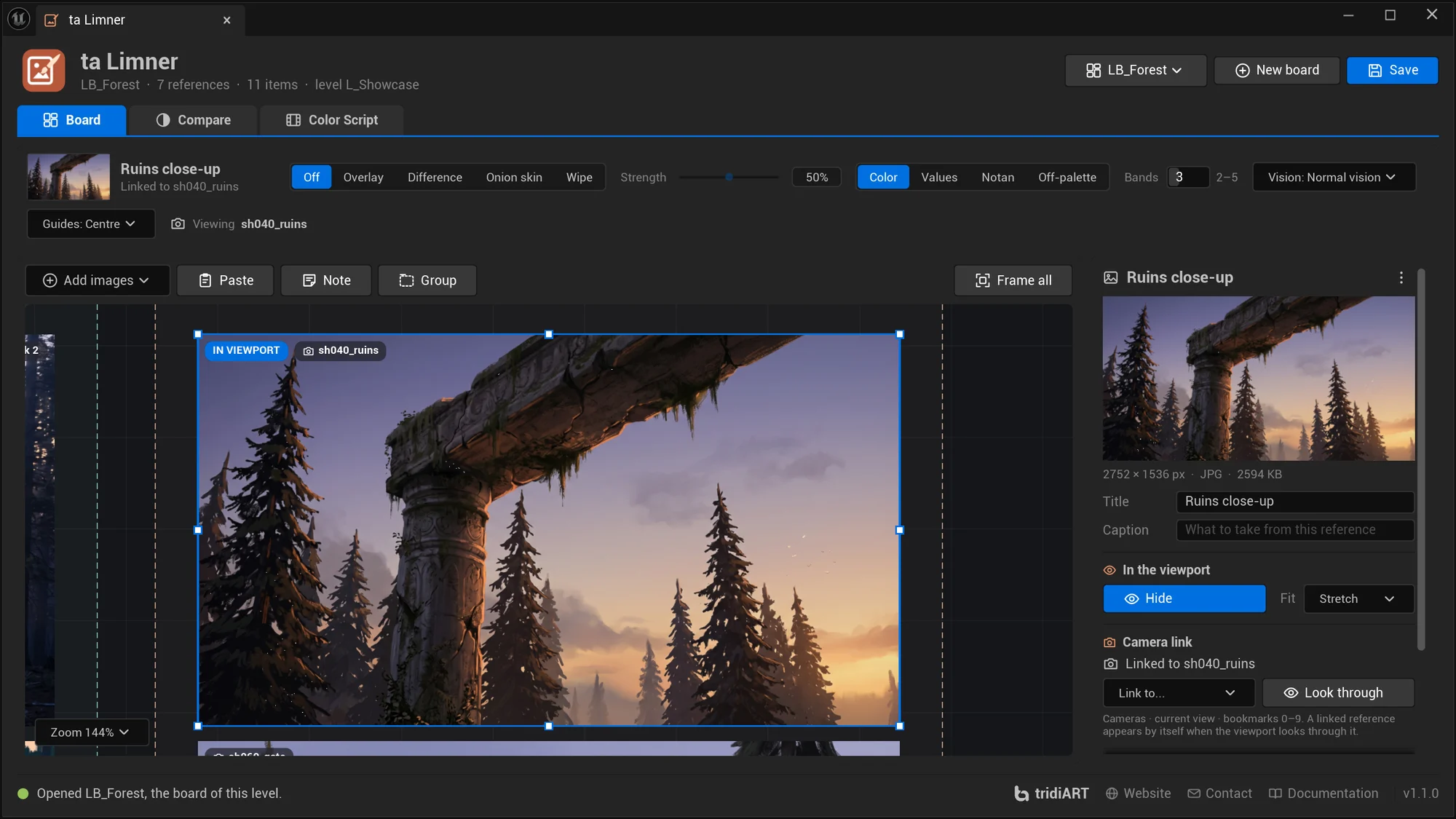
Images, sticky notes and group frames on an endless canvas. Drop files, drag textures from the Content Browser, paste from the clipboard or capture the viewport. A board is an asset that opens with its level.
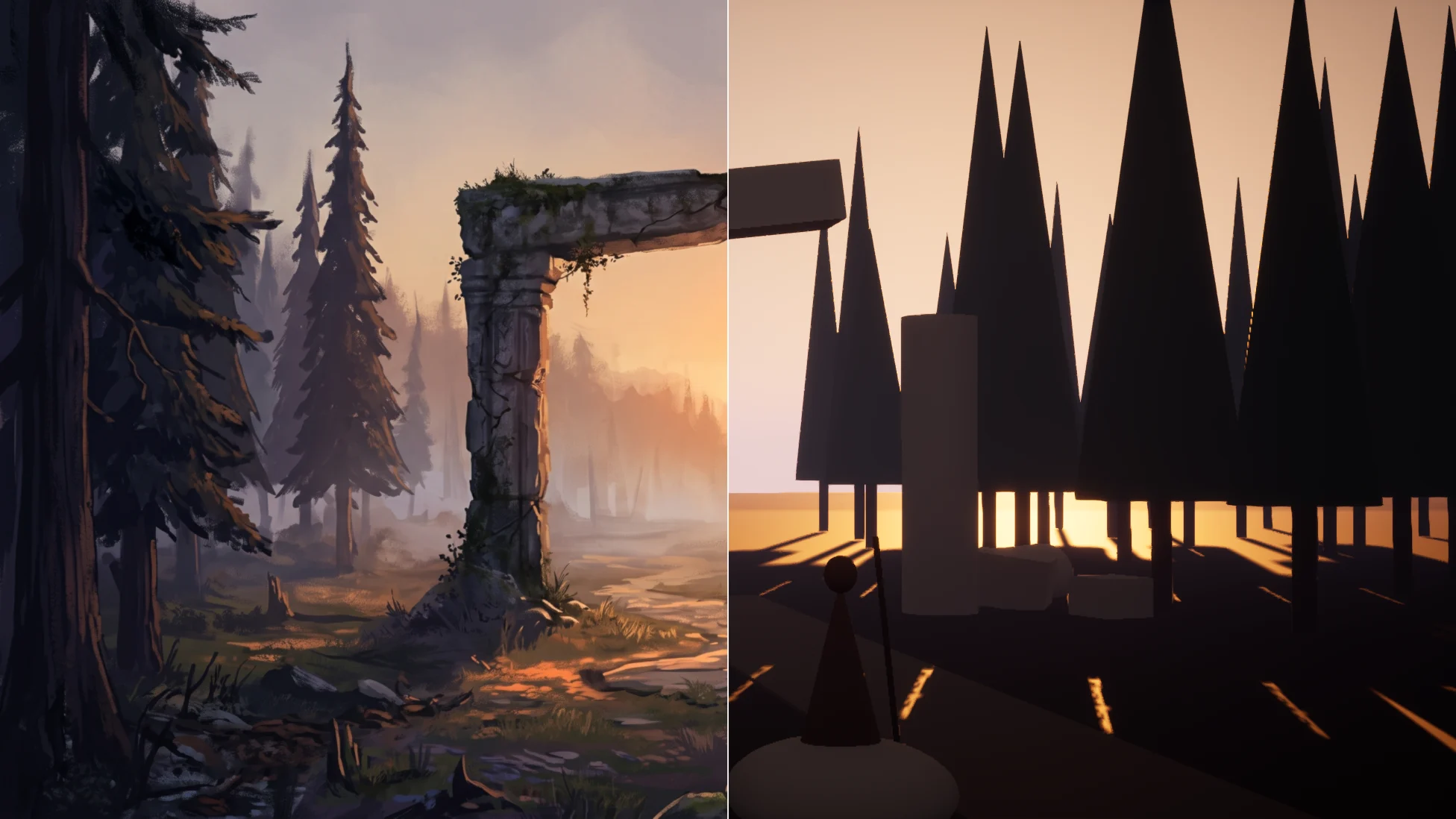
Keep the reference board next to the viewport and put the concept art over the scene: pinned, or by itself whenever you look through the camera it belongs to. Check the values in grayscale and notan, see where the scene leaves the palette, compare with numbers and hints, and build a color script of your shots. Match the viewport’s colours to the reference, preview colour vision deficiencies and frame your shots with composition guides.
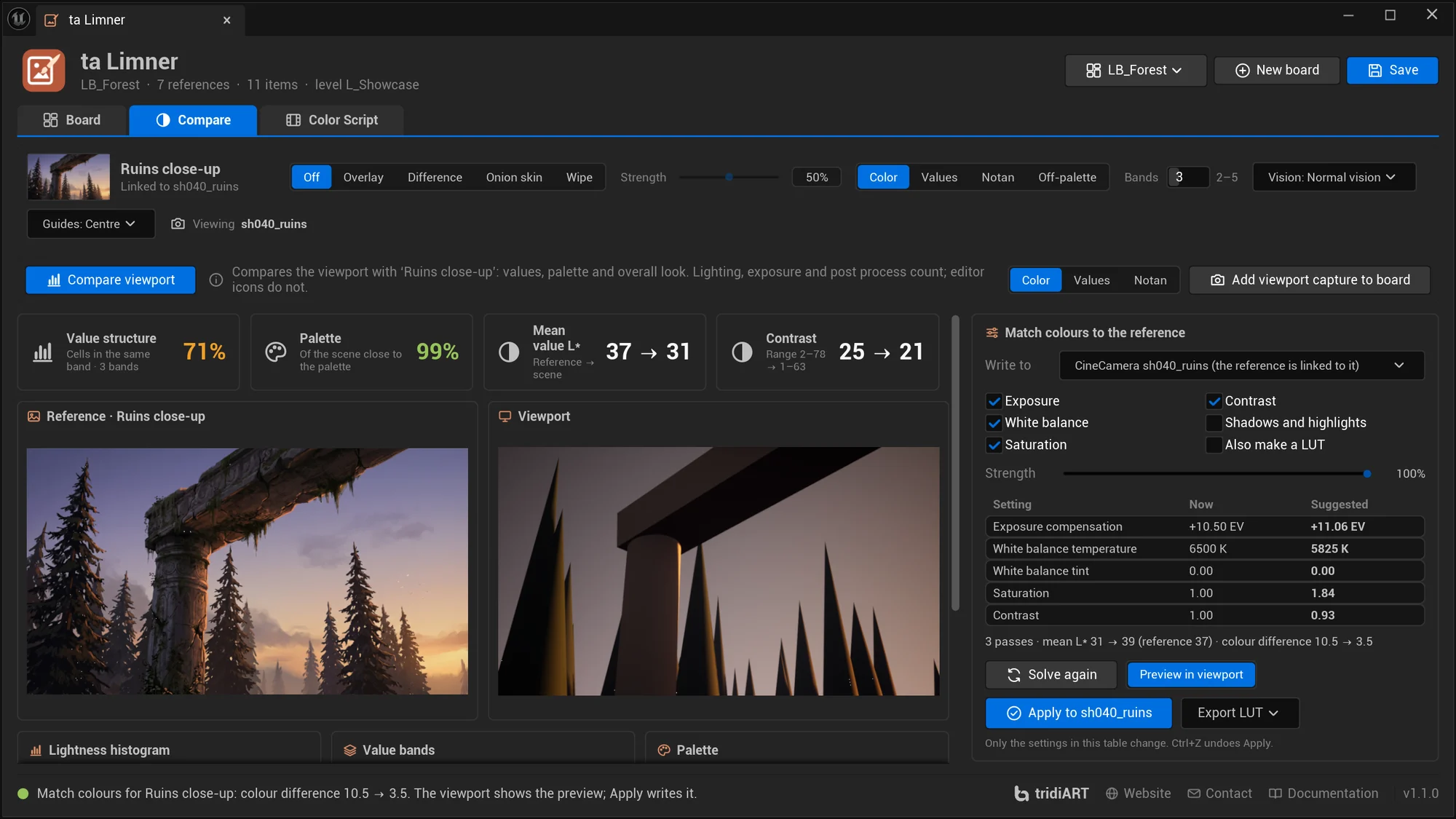
Interactive demo with the showcase level. Look through other cameras under the viewport, try Onion skin, Notan, Vision and Guides, then press Compare viewport and Solve in the Match colours card.
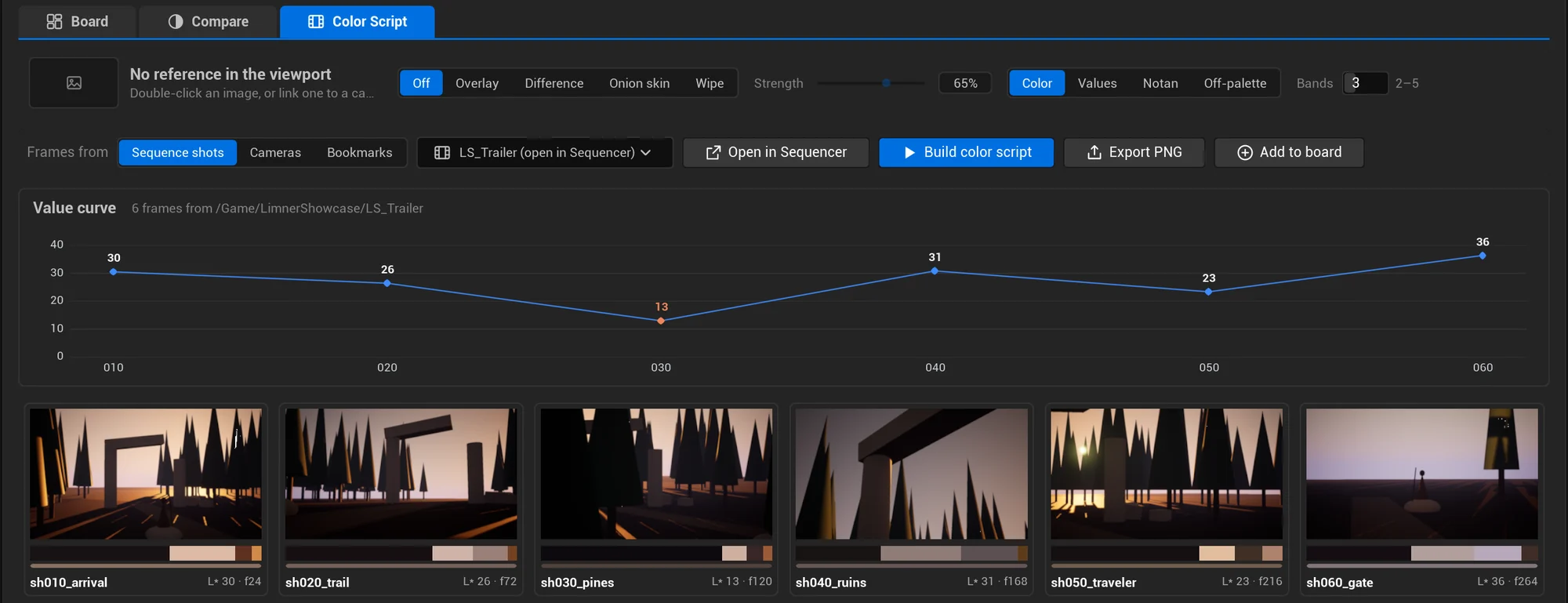
The cameras of LS_Trailer and a level bookmark. A dot means a reference is linked: look through it and the reference appears by itself.
Swipe sideways to see the whole editor.
The overlay, the views, the palettes, the comparison, Match colours, the colour vision preview and the guides run in your browser with the plugin's own formulas. In Unreal they run on the live viewport.
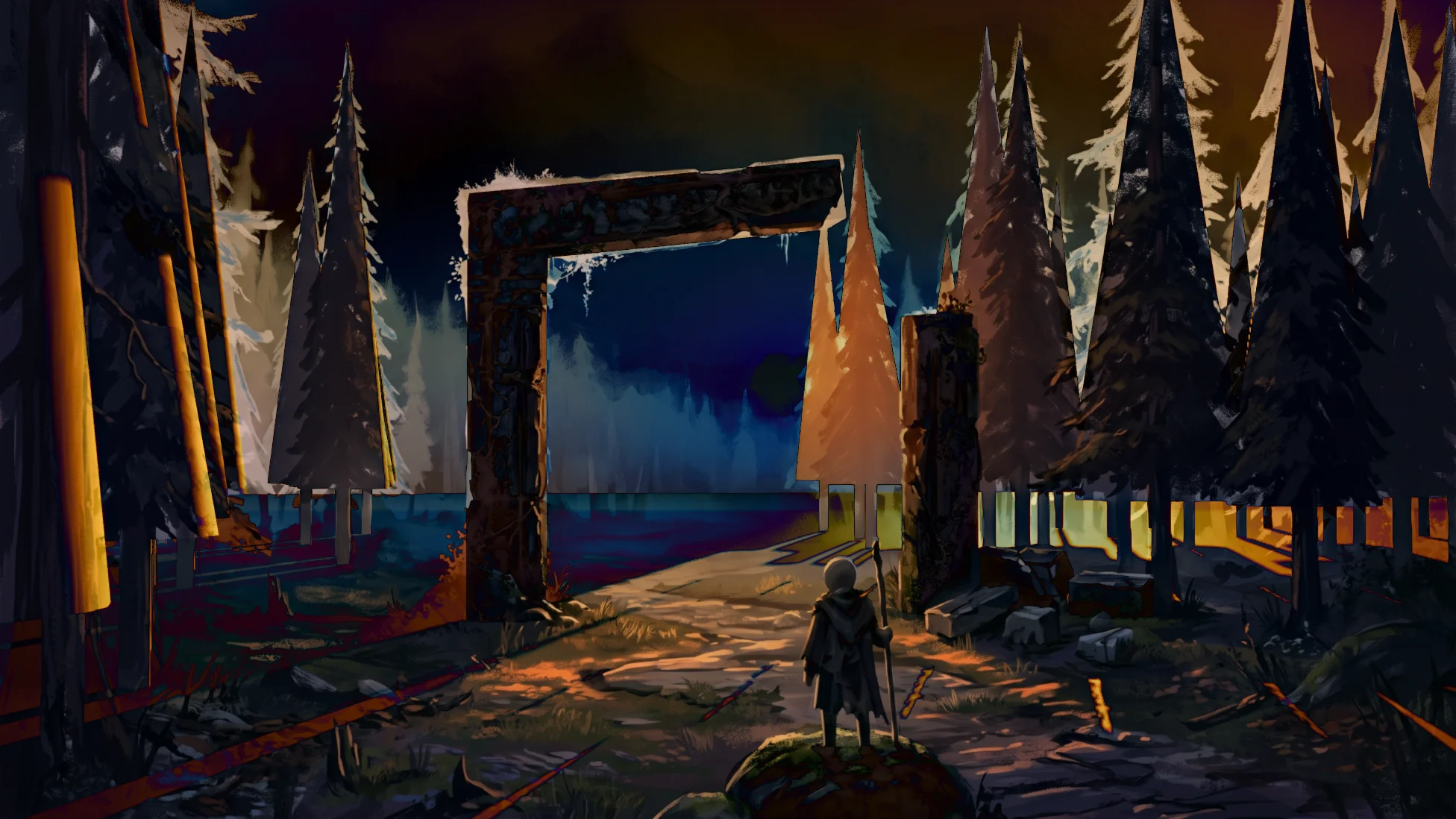
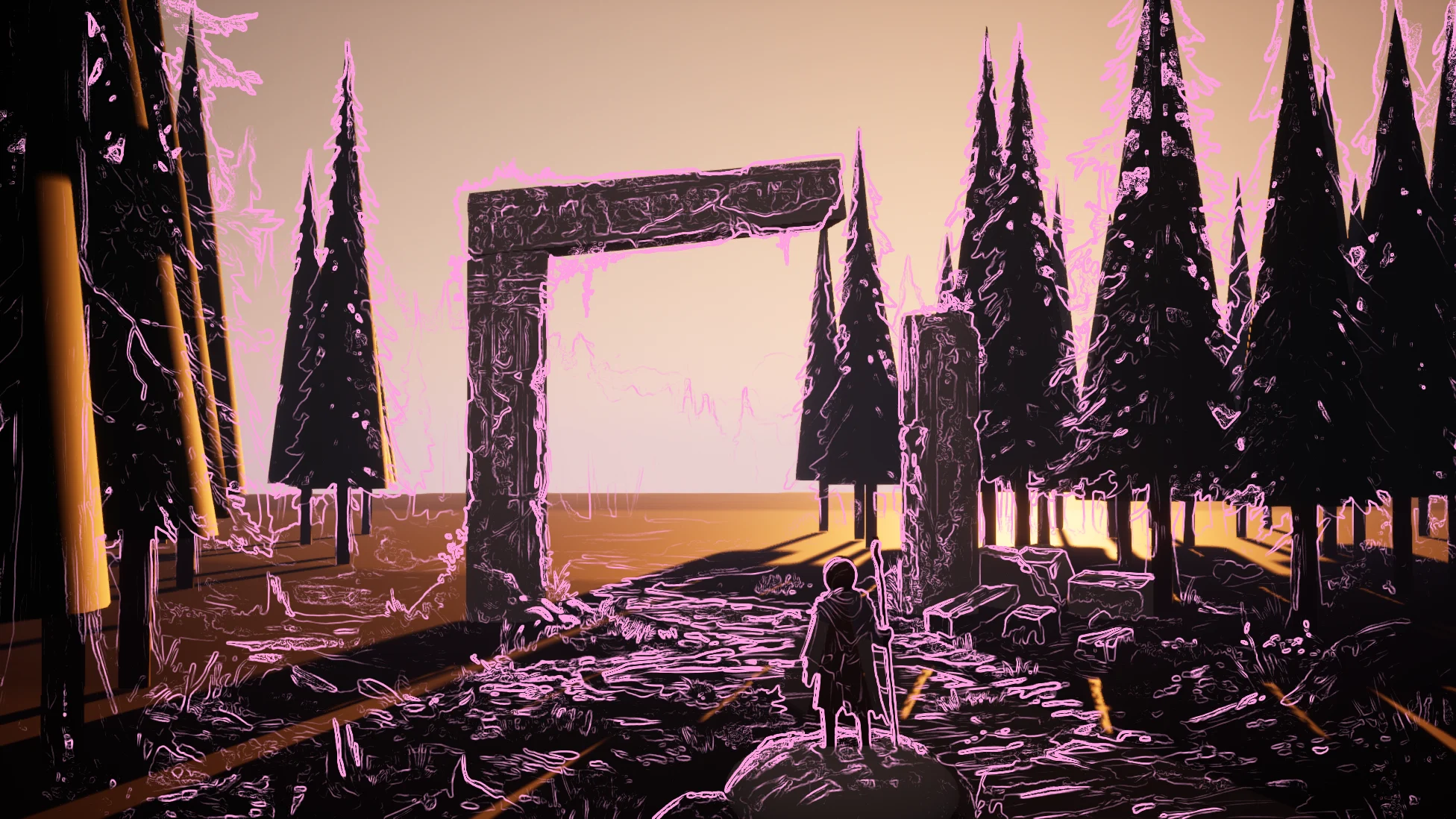
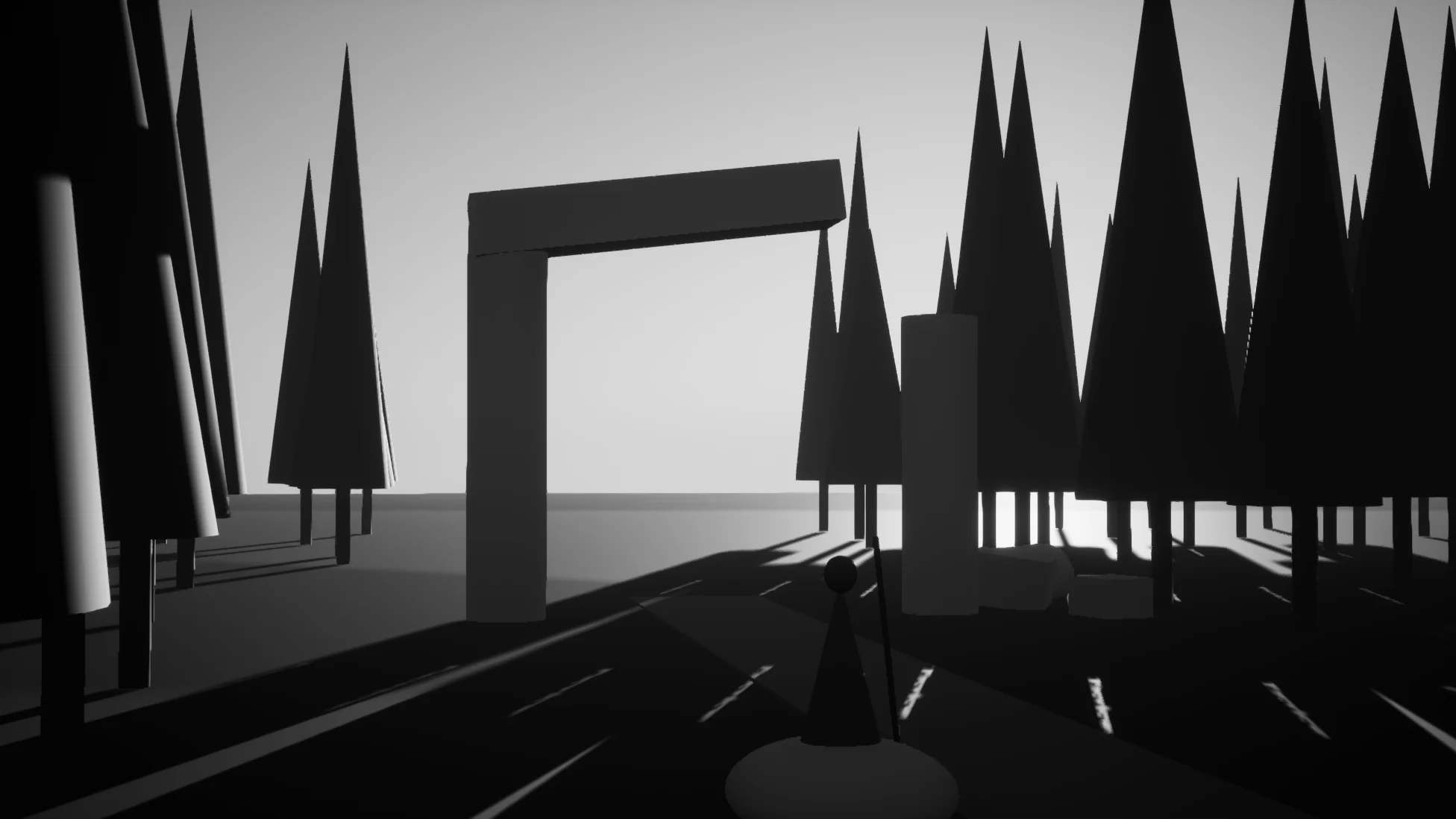
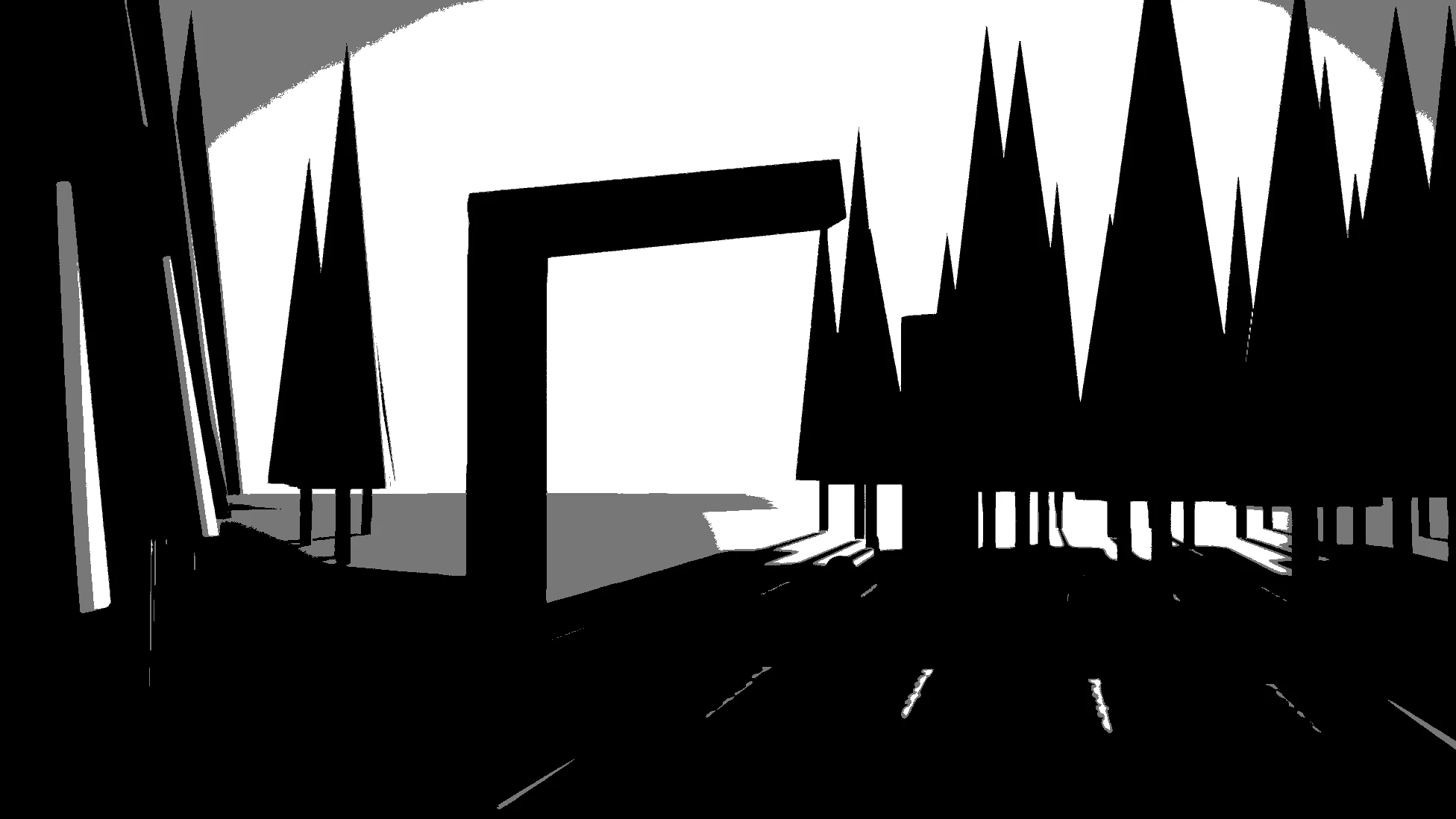
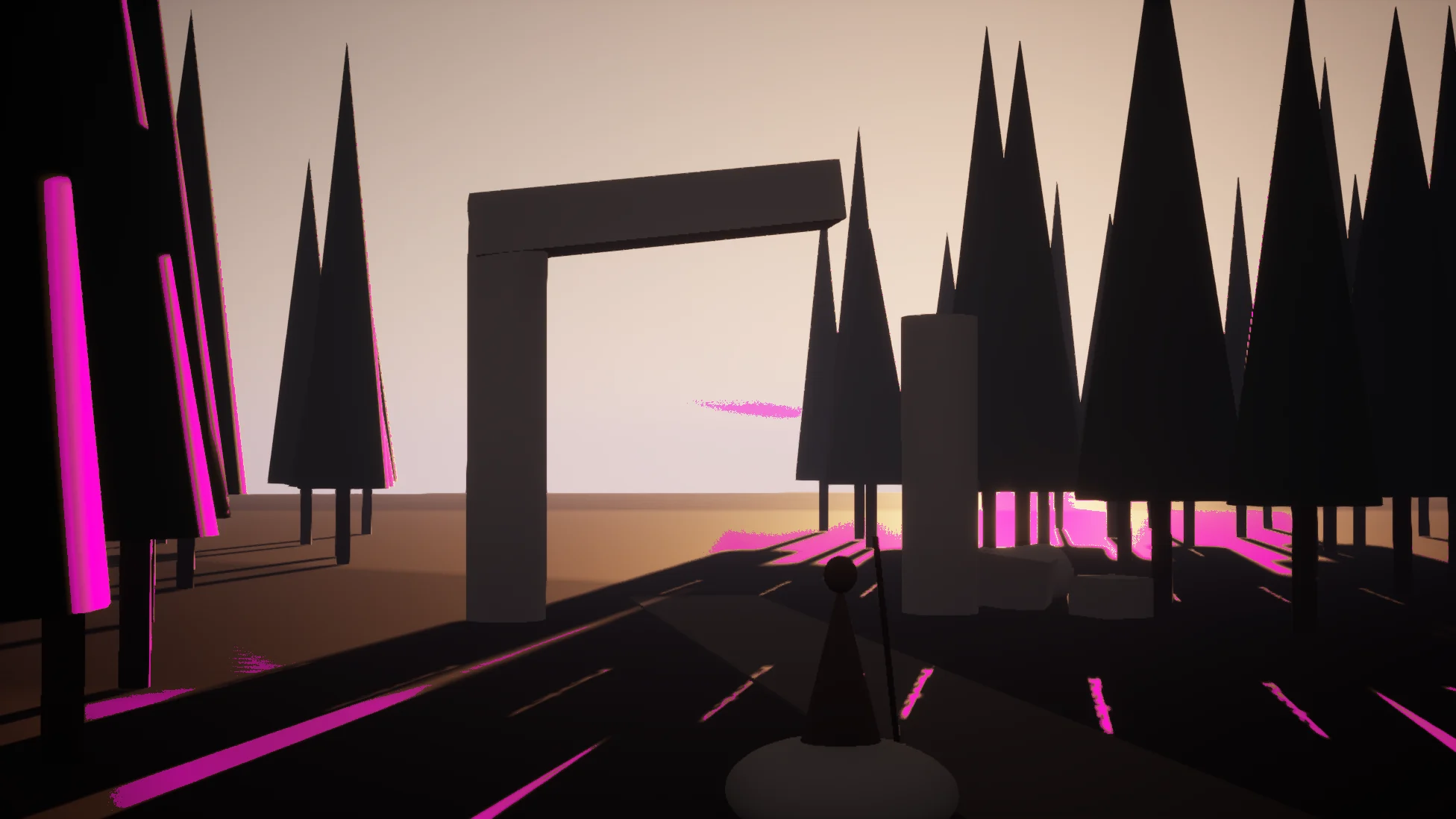
Real captures of the editor viewport from the showcase level: a greybox blockout at dusk, with the concept it is built from. The views work on the whole frame, so exposure, color grading and post process count.
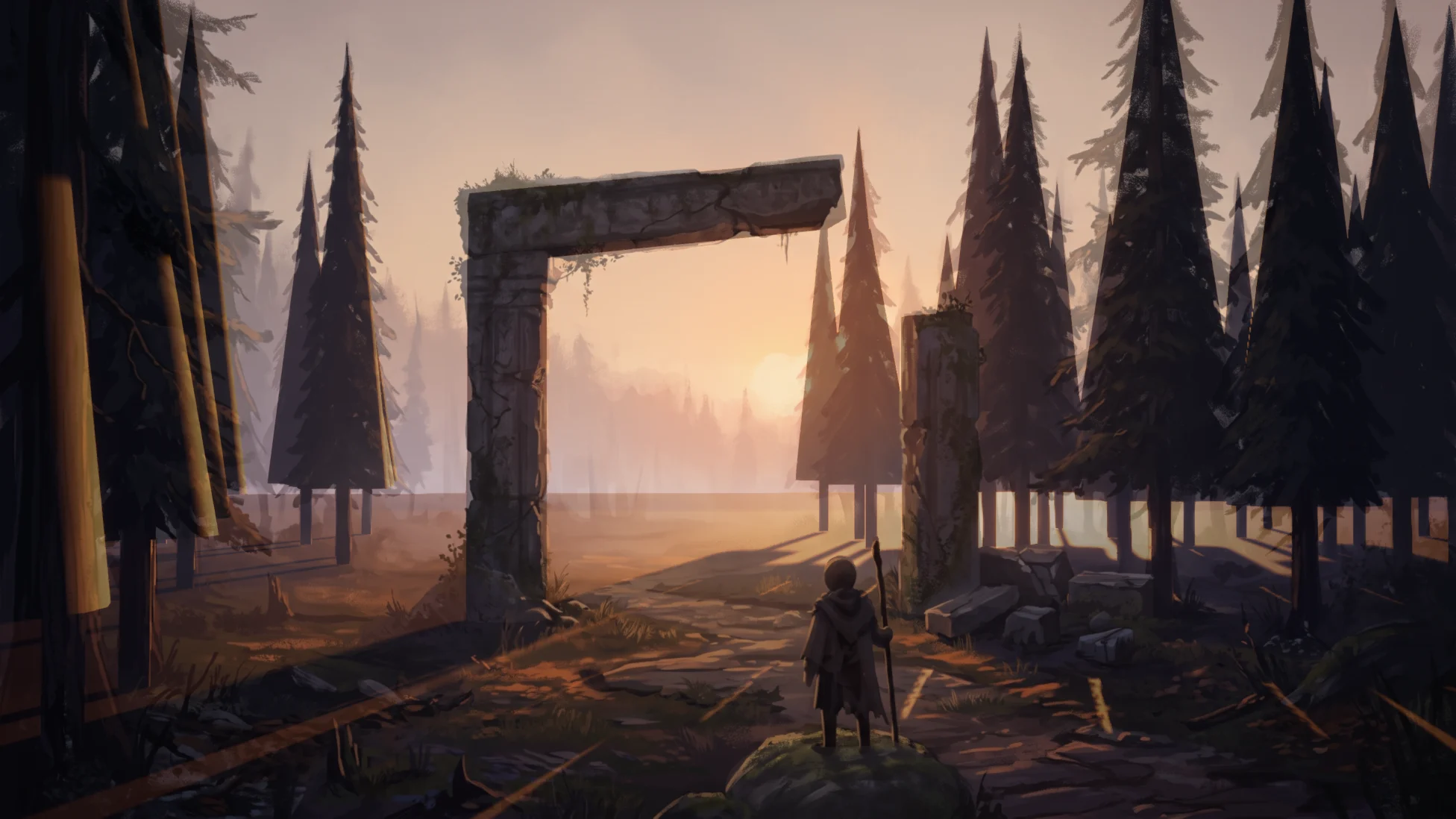
Link a reference to a camera or a level bookmark. From then on it appears by itself whenever the viewport looks through that camera, Sequencer locks it to that camera cut, or you jump to that bookmark, and disappears when you leave. No toggling, no second screen.
Camera links in the docs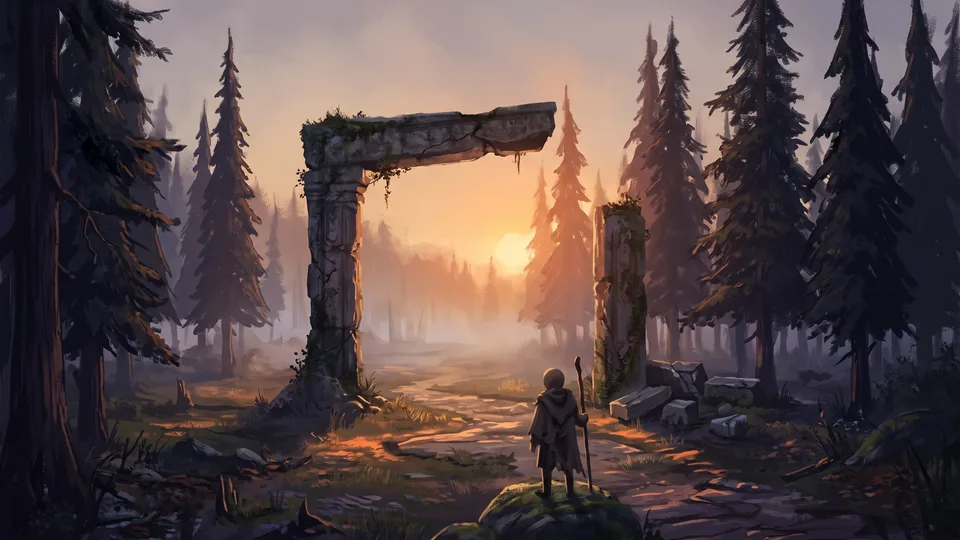 Dusk concept v3Linked to sh010_arrival
 Ruins conceptLinked to sh040_ruins
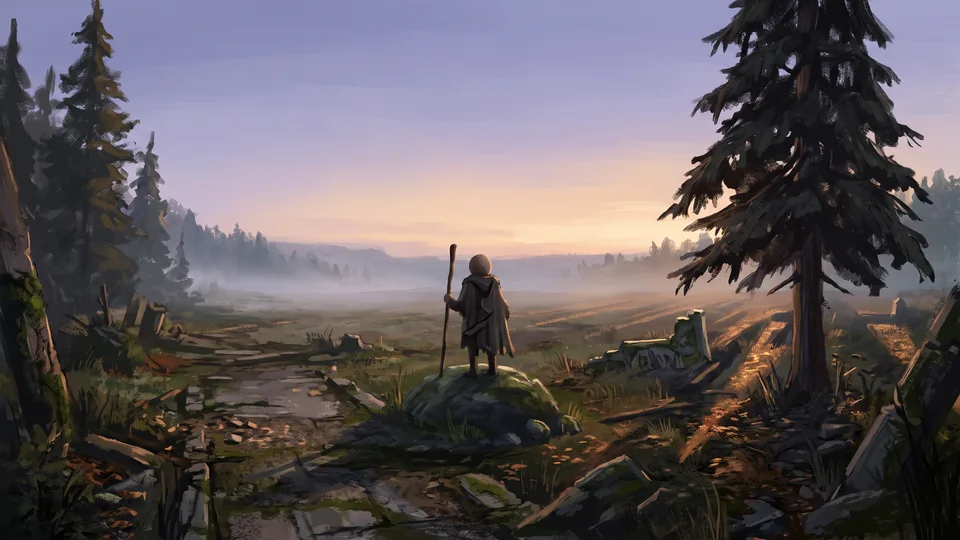 Gate conceptLinked to sh060_gate
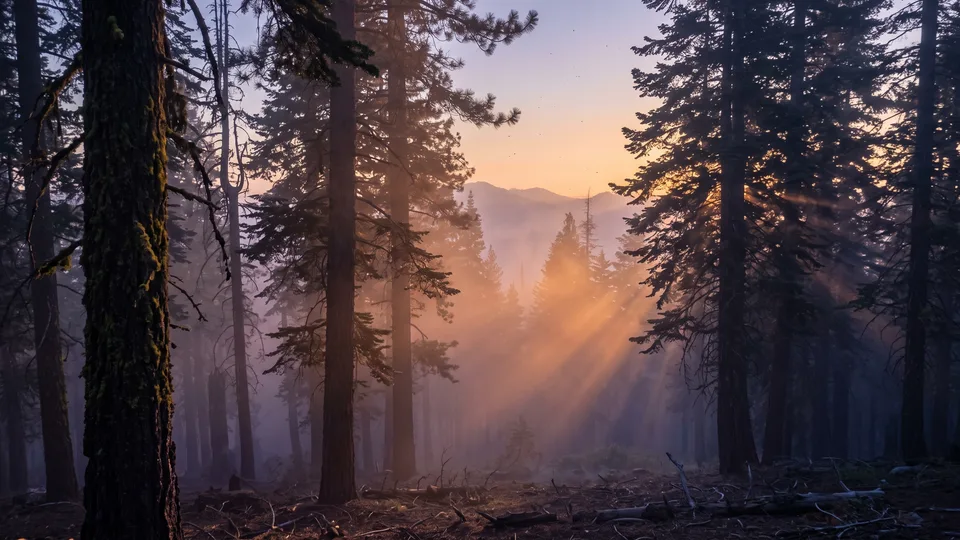 Misty pinesLinked to Bookmark 2
Images, sticky notes and group frames on an endless canvas. Drop files, drag textures from the Content Browser, paste from the clipboard or capture the viewport. A board is an asset that opens with its level.
Four ways to put a reference over the scene, with Fit, Fill or Stretch per reference. Nothing is added to your level.
The whole viewport in lightness only, or posterized into 2 to 5 value bands: see whether the focal point reads by value.
Extract the main colours of any reference, make one the board's key palette, and paint everything off-palette magenta.
Value structure, palette score, lightness and contrast of scene and concept side by side, with what to change in plain words.
Suggested exposure, white balance, saturation and contrast, previewed in the viewport and corrected over a few passes. Apply writes them to a camera or a Post Process Volume in one undoable step.
The viewport, the board and the palettes as seen with protanopia, deuteranopia or tritanopia, with severity. The palette check lists colour pairs that look alike.
Rule of thirds, golden sections and spiral, diagonals, safe frames and aspect masks from 2.39:1 to 9:16 vertical, saved per camera or bookmark in the board.
One frame per Sequencer shot, camera or bookmark, rendered with the real lighting. Value curve, palettes, PNG and JSON export.
Boards travel through source control with their images inside, and every edit on the board can be undone.
Boards, links, palettes, comparisons, colour matching, colour vision, guides and color scripts from scripts, including image-file comparisons without a viewport.
Build a board for every level from a folder of concepts, link references to cameras, or compare last night's renders with the concepts on a build machine, without opening a viewport.
Python docsimport unreal
limner = unreal.get_editor_subsystem(unreal.TALimnerSubsystem)
board = limner.create_board("/Game/ArtDirection/LB_Forest", "/Game/Maps/L_Forest")
ref = limner.add_image_file(board, "C:/Concepts/forest_dusk.png", unreal.Vector2D(0, 0), True)
cam = [a for a in unreal.get_editor_subsystem(unreal.EditorActorSubsystem).get_all_level_actors()
if a.get_actor_label() == "Cam_Hero"][0]
limner.link_camera(board, ref, cam)
limner.save_board(board)
result = limner.compare_viewport(ref, 3)
print(result.value_match, result.palette_score, [h.message for h in result.hints])import unreal
limner = unreal.get_editor_subsystem(unreal.TALimnerSubsystem)
# No viewport needed: compare last night's renders with the concepts.
for shot in ["sh010", "sh040", "sh060"]:
r = limner.compare_image_files(f"Concepts/{shot}.png", f"Renders/{shot}.png",
unreal.TALimnerFit.FIT, 3, [], 6, 22.0)
print(shot, round(r.value_match), round(r.palette_score))
limner.write_value_image(f"Renders/{shot}.png", f"Renders/{shot}_notan.png", 3)import unreal
limner = unreal.get_editor_subsystem(unreal.TALimnerSubsystem)
# An empty id: the reference over the viewport.
match = limner.solve_color_match("", unreal.TALimnerColorMatchOptions())
print(match.difference_before, match.difference_after, match.suggested.exposure)
limner.apply_color_match(match, unreal.TALimnerMatchTarget.VOLUME, None, 1.0)
limner.set_color_vision(unreal.TALimnerVision.DEUTERANOPIA, 1.0, True)
guides = unreal.TALimnerGuides()
guides.set_editor_property("thirds", True)
guides.set_editor_property("aspect_mask", unreal.TALimnerAspectMask.RATIO239)
limner.set_guides(guides)Sold on Fab under the Fab Standard License. Both licenses get the same plugin: every feature and the full C++ source, for Unreal Engine 5.0 – 5.8.
Limner is available on Fab now.
For individuals and companies with up to $100,000 in gross revenue in the last 12 months.
For companies with more than $100,000 in gross revenue in the last 12 months.
Need several seats or a studio agreement? Contact us.
The Fab Personal license is $14.99: individuals and companies with up to $100,000 in gross revenue in the last 12 months. Above that, the Professional license is $39.99. Both get the same plugin with every feature and the full C++ source.
No. The overlay, the views, the colour vision preview and the guides are drawn on the editor’s level viewport only. No actors, volumes or materials are added to the level, Play In Editor and packaged games are not affected, and boards are editor-only assets that are never cooked. Only Match colours writes post-process settings, when you click Apply, as one undoable step.
It matches the overall look of one frame to the reference: brightness, colour cast, saturation and contrast. Where the light falls stays your job; the value views and Compare’s hints show where the scene differs.
It uses the Machado, Oliveira and Fernandes (2009) model, the same family as Unreal’s own accessibility option, at 0 to 100% severity. It is a design check, not a diagnosis.
Inside the board asset, so everybody who gets the board through source control sees the same images. Nothing is imported as a texture. Images larger than 4096 px are scaled down when they are added.
Link a reference to a camera actor or a level bookmark. Whenever the viewport pilots that camera, Sequencer locks it to that camera, or you jump to that bookmark, the reference is shown by itself.
No. Palettes, comparisons and views are computed in the editor with classic image analysis: lightness in CIE L*, palettes by k-means clustering in Lab. Nothing is sent anywhere.
No. Each frame is rendered in the level viewport after a few warm-up frames, so it shows the same lighting and post process you see, fast enough to rebuild after every lighting change.
Unreal Engine 5.0 to 5.8, in the editor on Win64, Mac and Linux. Nothing of Limner is packaged into your game.