Is Material Smith really free?
Yes. It is free and open source under the MIT license, including for commercial projects, and it ships with its full C++ source. Channel packing is part of the free version.
Do my materials depend on the plugin?
No. The first run creates the master material M_Smith_Standard and its small default textures in /Game/MaterialSmith as regular assets of your project. Your instances depend on those assets, not on the plugin, so you can remove the plugin at any time.
What happens if I run it again on the same textures?
Existing instances are updated, not duplicated. Textures and switches are refreshed, and parameters you tweaked by hand stay as they are.
Which texture naming conventions are recognized?
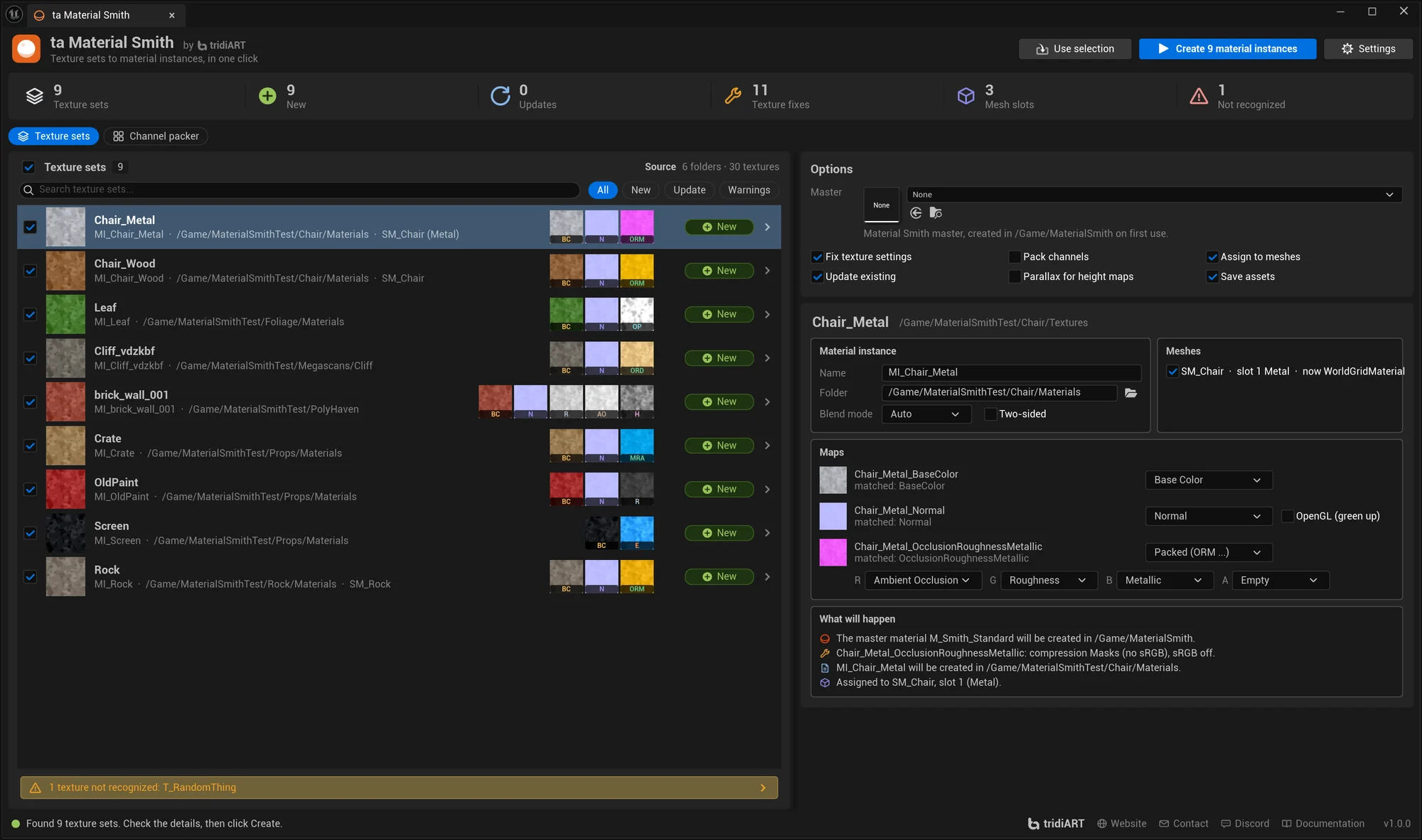
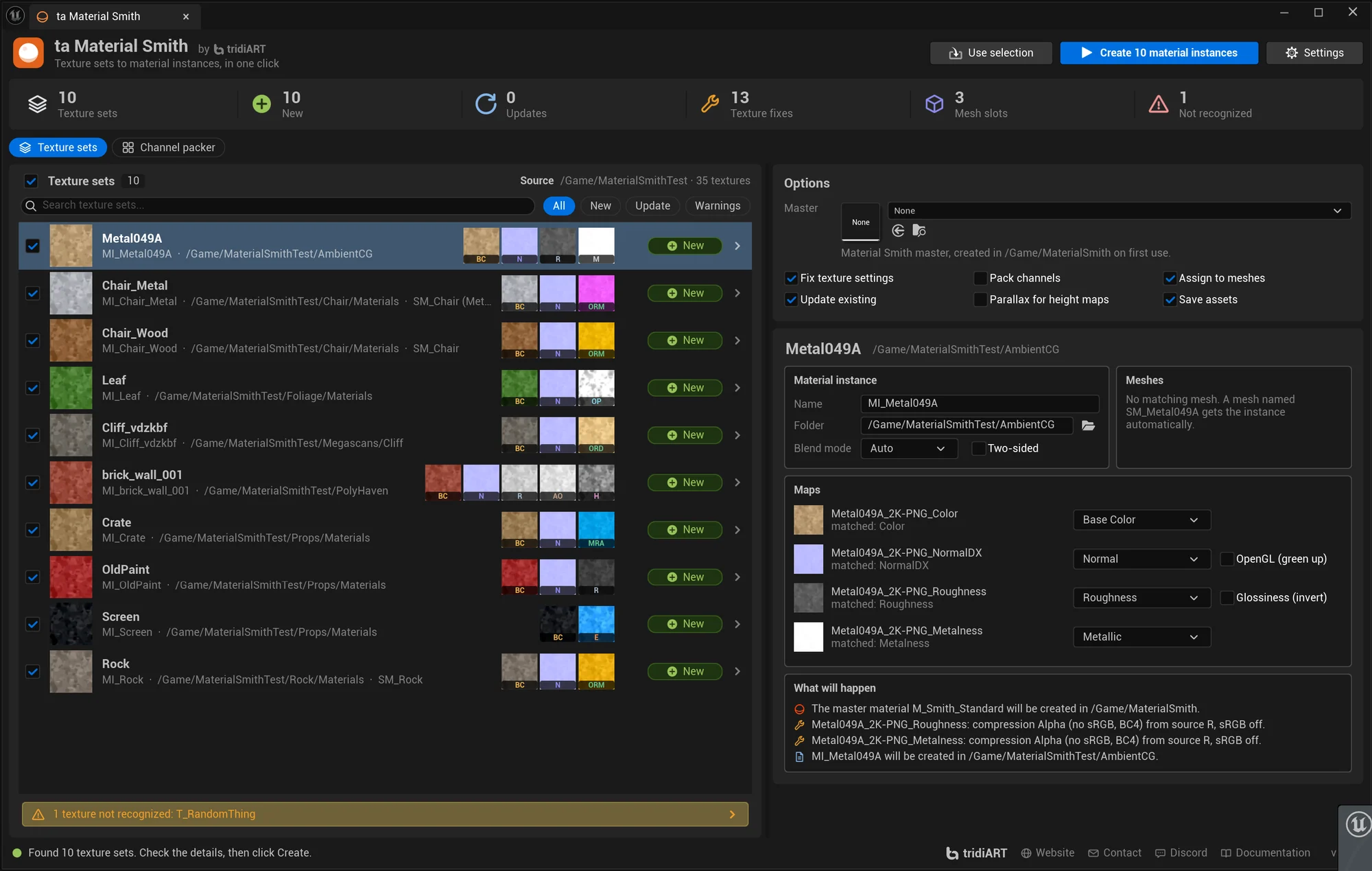
Unreal, Substance Painter, Fab / Megascans, Poly Haven and ambientCG names work out of the box, including packed maps like ORM, ARM, MRA, RMA and Megascans ORD. Resolution and file type tokens such as _4K or -JPG are ignored, and the name table is editable in Project Settings.
Can I use my own master material?
Yes. Pick any material as the parent. Material Smith reads its texture parameters and static switches, guesses which map goes where and saves the mapping as a Master Profile in Project Settings, where you can correct it.
Will it overwrite my textures?
Imported textures are never overwritten by packing; packed textures are new assets. With Fix texture settings on, Material Smith changes texture settings such as sRGB, compression and Flip Green so each texture fits its parameter.
What about OpenGL normal maps?
Names like _nor_gl are recognized as OpenGL normal maps and get Flip Green Channel, and you can set the flag by hand for any normal map.
Does it handle foliage and masked materials?
Sets with an opacity map become Masked and two-sided by default.
Which engine versions are supported?
Unreal Engine 5.6, 5.7 and 5.8, in the editor on Win64, Mac and Linux.